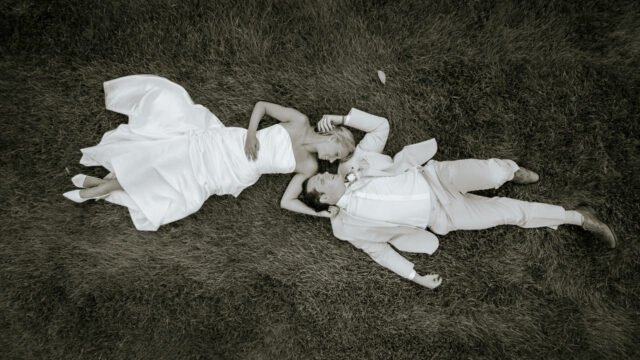
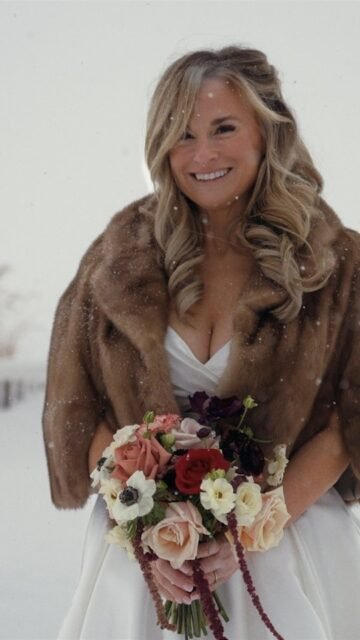
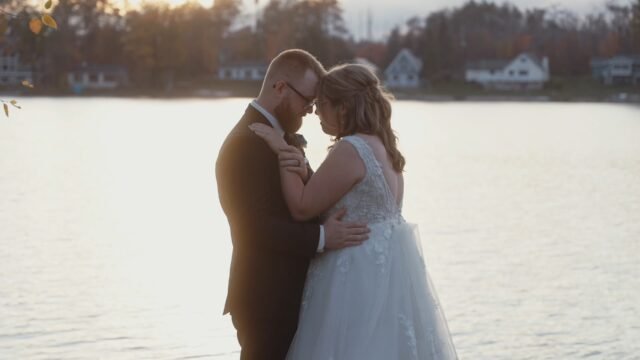
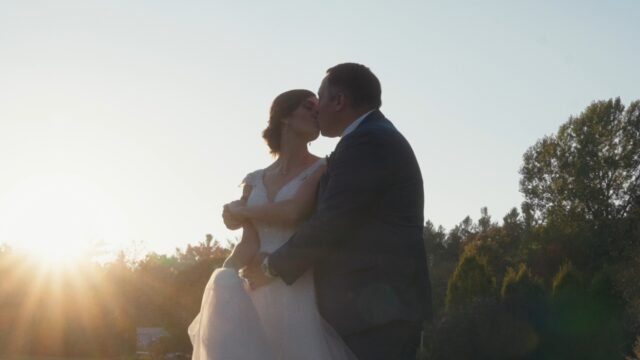
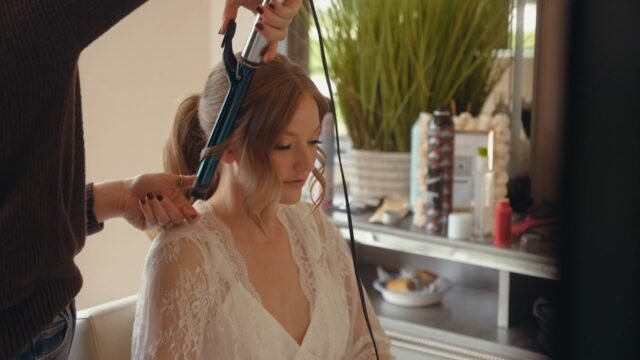
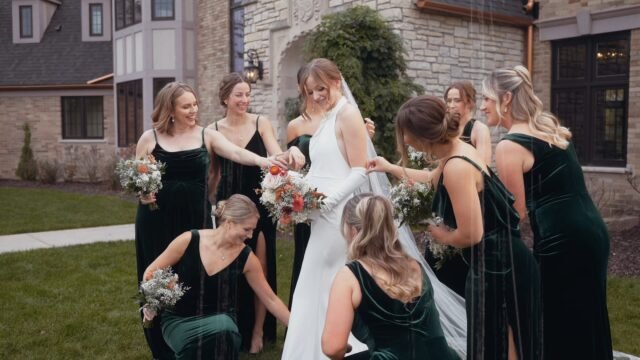



Their first date was a skydive! 🪂
Two weeks later, Heather & Evan were official, and they haven't looked back since — countries explored, two moves, and a relationship built on honesty and never holding each other back from their dreams.
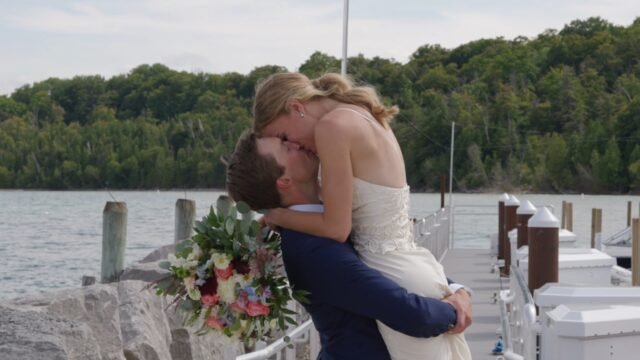
Evan proposed at Chateau Chantal on Mission Point, Grand Traverse Bay stretched out behind them.
And on the big day, their dog Loui walked the rings down the aisle.
Sneak peeks from their day. Full film coming soon.
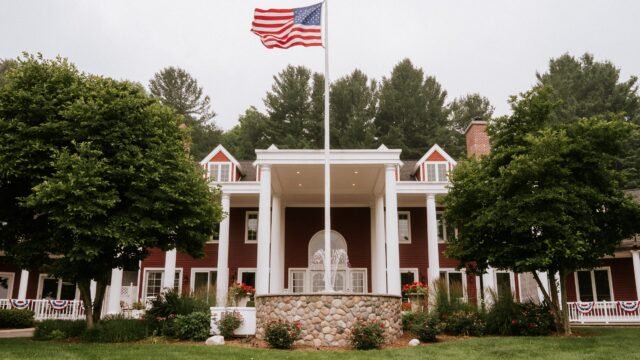
📍 @blackstarfarms
🎥 Wedding Potion
#WeddingPotion #WeddingFilm #NorthernMichiganWedding #TraverseCityWedding #MichiganBride #BlackStarFarms #SuttonsBayWedding #HingeToHitched #EngagementStory #MichiganWeddingVideographer
3 weeks ago


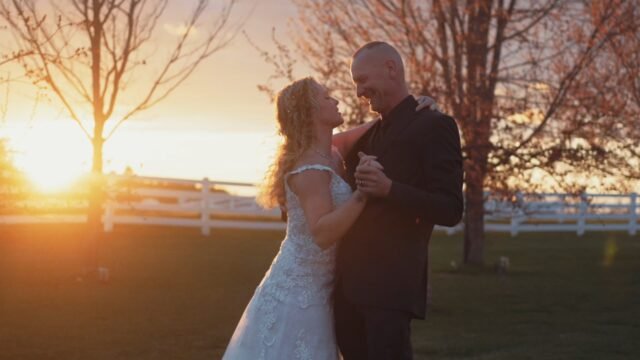
Vineyard rows. Bay breezes. Soft blush pink. 🌸
Heather & Evan's day at Black Star Farms carried the kind of calm, elegant energy that felt effortless — vows outdoors, golden light through the vineyard & little Loui supervising it all.
📍 @blackstarfarms
📷 Wedding Potion
#WeddingPotion #MichiganWedding #WeddingFilm #NorthernMichiganWedding #TraverseCityWedding #MichiganBride #BlackStarFarms #SuttonsBayWedding #LeelanauWedding #ElegantWeddingStyle #oldmoneywedding #winecountrylife #traversecitybride #traversecityweddingphotographer #luxurywedding
3 weeks ago
When a groomsman shows up in a dress for a surprise first look... you know this wedding is about to be full of shenanigans—the best kind.
Erin & Jim's wedding at Sonshine Barn was built on laughter, surprises, and the kind of love that shows up playfully.
Rustic elegance meets pure celebration.
Black and white details wrapped in 33 acres of rolling hills.
And a whole lot of joy—earned the silly way.
This teaser is a glimpse into a wedding that felt like a party with your best friends.
Venue: @sonshinebarn
Photo+Video: @weddingpotion
#WeddingPotion #WeddingFilm #MichiganWedding #NorthernMichiganWedding #GaylordMichigan #BarnWedding #RusticWedding #MichiganBride #WeddingTeaser #CinematicWedding #NorthernMichiganWeddingVideographer
1 month ago
Thank goodness his car broke down. 🚗
Nick and Mattes went to high school together — cross country, summers lifeguarding, years at the same lake house in Charlevoix. Close in every way that mattered. Just never quite there.
Then Colorado. A relationship. An ending. And years of staying in contact from the right amount of distance.
Until his car broke down in Denver and he called the one person he trusted most.
They got dinner. Then he kept passing through. Then he stopped pretending he was just passing through.
Six years later, a dog named Duke, a life in Golden, CO, and a flight back to the lake where it all quietly started.
Mattes wore her mom's dress — married in '85, altered for 2022 by her mom and Nick's cousin. Surrounded by family, bluegrass, a BBQ buffet, and the water they've known their whole lives.
This is their short film.
And it started with a broken-down car.
📍 Sequanota Club — Charlevoix, MI
📸 @vineandframephotography
💐 @billiesfloral
💄 @midaybeauty
🎶 @arkansaucemusic
#WeddingPotion #WeddingFilm #MichiganWedding #NorthernMichiganWedding #MichiganWeddingVideographer #MichiganBride #CharlevoixMichigan #LakeCharlevoixWedding #SequanotaClub #BluegrassWedding #LakesideWedding #MomsDress #MichiganWeddingVendors
2 months ago
It started with a hug. 🤍
She didn't know it meant anything.
He knew he was going to marry her.
Stacey had been a single mom for four years — steady, strong, and quietly convinced the right person wasn't coming. Then a plumber showed up to fix a toilet. She hugged him the way she always does, and Jared walked away certain.
She was still clueless.
Stacey is all warmth — a salon owner, a hugger, the kind of woman whose smile makes a room feel safer.
Jared is the steady one — shows up, means what he says, fixes what's broken. An old soul who knew exactly what he wanted.
Five years of building something real.
Blended families. Hard battles. Things most couples never face.
Every setback pulled them closer.
And on their wedding day, they finally got to celebrate what they always knew —
this was worth every bit of it.
"I love you MOST. I win. We live happily ever after. The end."
📍 @boynevalleyvineyards
🏨 @innatbayharbor
📸 @photographybypaquette
#WeddingPotion #WeddingFilm #MichiganWedding #NorthernMichiganWedding #MichiganWeddingVideographer #MichiganBride #BoyneValleyVineyards #BoyneCity #BoyneWedding #BlendedFamily #MichiganWeddingPhotographer #NorthernMichiganBride
2 months ago
A bowling alley dare. A strike. A conversation that changed everything.
Rachel and Jake met in high school, drifted apart, and found each other again — this time, Jake made sure it counted. Eight years later, on the anniversary of that first date, he proposed at the same spot it all began.
At Sojourn Lakeside Resort, surrounded by fall colors, their favorite people, and a dog named Bella who started it all — they finally said I do.
Press play. 🎬
📍 @sojournlakesideresort
📸 @michelemaloneyphoto
💄 @simplysherwoodartistry
🎶 @forellaevents
#WeddingPotion #MichiganWedding #GaylordMichigan #NorthernMichiganWedding #WeddingFilm #WeddingVideographer #FallWedding #RusticBoho #MichiganBride #WeddingCinema #WeddingDay #JustMarried #RealWeddings #SojournLakesideResort #BohoBride #MichiganWeddingVideographer #michiganweddingvideography #michiganweddingvideographer #michiganweddingvideo #miweddingvideographer #weddingvideographers #weddingvideographer #northernmichiganweddings #northernmichiganwedding #northernmiweddings #northernmiwedding #michiganbride #michiganwedding #michiganweddingvideographers #michiganweddingvideos #michiganvideographers
3 months ago
It all started with a puppy named Bear 🐾
A simple ask for a dog sitter turned into something so much more—long walks in nature, shared laughter, and a love that just felt right from the beginning.
From summers in Charlevoix to a sunset boat ride that didn’t quite deliver… until it did. 💍✨
Because sometimes the view isn’t the moment—the person next to you is.
Sarah & Aaron’s day feels like a fairytale woven into fall—burnt orange, olive green, and soft botanical touches wrapped in something warm, grounded, and real. 🍂
From quiet vows and meaningful glances…
to the kind of love that puts each other (and the dog) first—always.
Venue: @castlefarms
Video: @weddingpotion
Photo: @ahrensphotostudiomi
Make Up/Hair Artist: @vogue_salon_and_spa
DJ: @spartydjs
Cake: @krazykakeaholics
#northernmichiganweddingphotography #northernmichiganweddingvenue #michiganweddingvideos #michiganweddingvideographers #michiganbrides #michiganweddingvideographer #michiganweddings #michiganweddingvideography #weddingvideographer #northernmichiganweddings #northernmichiganwedding #miweddings #miwedding #northernmiweddings #northernmiwedding #michiganbride #michiganvideographer #michiganwedding #michiganweddingvideo #michiganweddingvenue #michiganweddingvendor
3 months ago
Some couples meet and instantly feel familiar.
For Sydney and James, what began as a first date turned into a four-hour conversation about life, love, fears, dreams, and everything in between. From the beginning, they chose honesty over games and commitment over uncertainty — and that foundation carried them through every season that followed.
Through long distance, career changes, late-night drives, and years of growing together, they built a relationship rooted in patience, trust, faith, and peace.
Their wedding day reflected all of it.
The emotion in their first look.
The tears during their vows.
The warmth of being surrounded by the people who helped shape their story.
Every detail carried intention. Every moment carried meaning.
This film is a glimpse into a love that feels steady, timeless, and deeply lived-in — the kind of love that makes you believe good things really do last.
Sydney & James — thank you for trusting us to tell your story. 🤍
Venue: @venue3two
Florist: @mittenfloral
Photo: @nataliebrianaphoto
Dress: @mwlbride
Dress Boutique: @weddingstudiokzoo
Suit Designer: @josabank
Hair & Makeup: @elegantonarrival
DJ: @qceventsound
#michiganvideographers #michiganweddingvideos #michiganweddingvideographers #michiganbrides #michiganweddingvenues #michiganweddingvendor #michiganweddingvideographer #michiganweddings #michiganweddingvideography #michiganweddingvideo #miweddingvideographer #weddingvideographer #miweddings #miwedding #michiganbride #michiganvideographer #michiganwedding
3 months ago
It started with honesty.
No filters, no pretending — just two people sitting down on a first date and choosing to be real about who they were and what they wanted.
Sydney leads with heart. She feels everything deeply, holds onto the little moments, and makes people feel seen in a way that stays with you.
James is her steady ground — protective, patient, and always showing up with a quiet strength that brings peace to everything around him.
From four-hour conversations to long-distance weekends… from separate paths to building a life together in Kentucky — they never wavered.
They didn’t just fall into love.
They built it. Intentionally. Faithfully. Together.
Now, surrounded by the people who know them best, in a place filled with history and meaning, they step into the next chapter — one they’ve been preparing for all along.
Venue: @venue3two
Florist: @mittenfloral
Photo: @nataliebrianaphoto
Dress: @mwlbride
Dress Boutique: @weddingstudiokzoo
Suit Designer: @josabank
Hair & Makeup: @elegantonarrival
DJ: @qceventsound
#michiganvideographers #michiganweddingvideos #michiganweddingvideographers #michiganbrides #michiganweddingvenues #michiganweddingvendor #michiganweddingvideographer #michiganweddings #michiganweddingvideography #michiganweddingvideo #miweddingvideographer #weddingvideographer #miweddings #miwedding #michiganbride #michiganvideographer #michiganwedding
4 months ago